Why Is My Amazon CTR Low? The Full Diagnosis Guide
Why is my Amazon CTR low? For Amazon brand owners staring at strong impressions and a flat click-through rate, the answer is almost always one of five diagnosable causes, not an algorithm mystery, and each one has a specific, testable fix. This guide is the full map: how to confirm it's actually a CTR problem and not an impressions problem, the five causes that account for nearly every case, and how to fix and test each one without the gain decaying two weeks later.
You already know the feeling. You open Business Reports, impressions are fine, maybe even growing, and the click-through rate sitting under them hasn't moved in months. Say yours is parked at 0.31% against a category median closer to 0.45%. Every seller forum tells you the same three things: get more reviews, run PPC harder, change your main image. None of those are wrong exactly, but none of them are a diagnosis either. They're guesses dressed up as advice.
Why Is My Amazon CTR Low? Read Search Query Performance First
Before touching your main image, confirm you actually have a CTR problem and not an impressions problem wearing a CTR costume. Open Search Query Performance and look at the split for your top 10-15 search terms: impressions, clicks, and the click-through rate for each term individually, not just the blended account-level number.
Two different diagnoses hide inside a low blended CTR:
- An impressions problem. You're not showing up for the terms that would actually convert, so your blended CTR is dragged down by irrelevant impressions on loosely-matched terms. The fix here is keyword and PPC targeting work, not image work.
- A CTR problem. You're showing up on the right terms, in a reasonable search position, and shoppers still aren't clicking. This is the one this guide is about, and it's the more common of the two once a listing has any organic traction at all.
The tell: pull SQP by term and look for terms where your impression share is respectable (you're appearing in the grid at a normal rate for that term) but your click share is meaningfully behind your impression share. That gap, term by term, is where run_trust_gap earns its keep — not because CTR itself is an IDEA-pillar score, but because a flat CTR against healthy impressions is frequently the surface symptom of a deeper Distinctive or Authentic gap that shows up first in the search grid, before a shopper ever reaches your bullets.
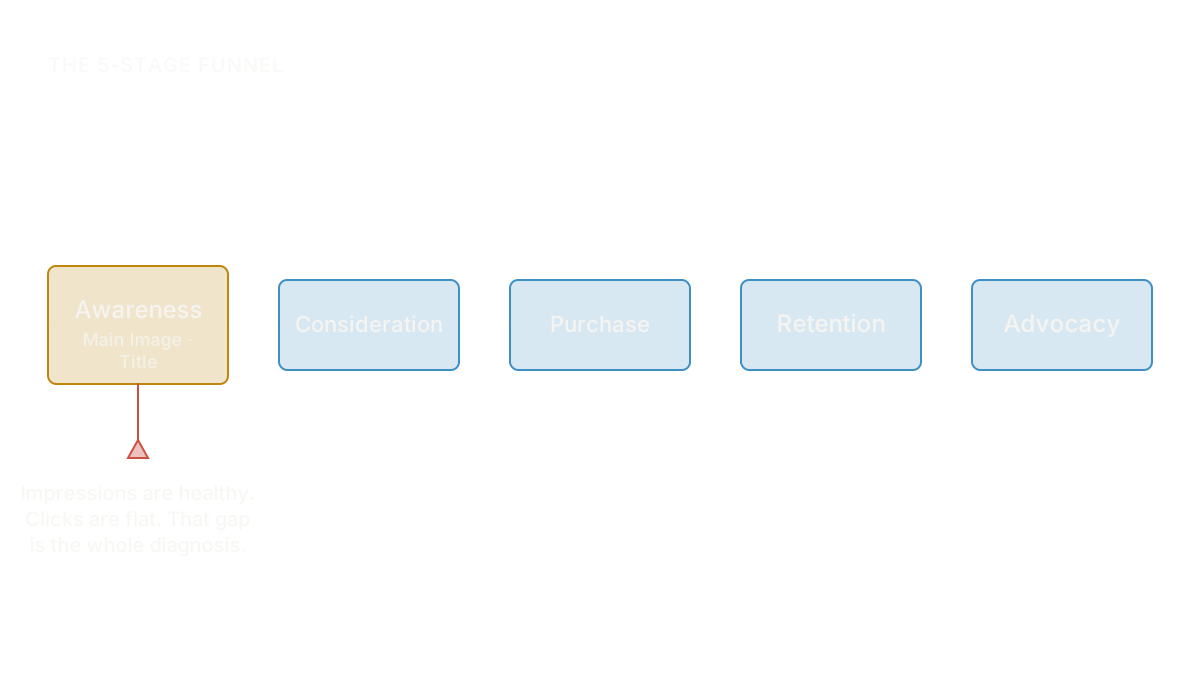
If your SQP read confirms this is a genuine CTR problem, not an impressions problem, main image impressions with no clicks walks through that exact split in more depth, including how to read the specific numbers instead of eyeballing a dashboard.
The Five Causes Behind a Flat Amazon CTR
Once you've confirmed it's a CTR problem, the diagnosis narrows fast. In practice, nearly every case of amazon main image not getting clicks traces back to one of five causes. They're not mutually exclusive; a listing can have two or three at once, but usually one dominates and is worth fixing before you touch the others.
1. Your main image blends into the search grid
Scroll the actual search results for your top term on a phone, not a desktop monitor, and count how many competitor thumbnails look like yours: same white background, same three-quarter product angle, same generic staging. If a shopper couldn't pick your listing out of a lineup, the image is technically correct and functionally invisible. This is the single most common cause behind a flat CTR with healthy impressions, and it's the one founders reach for last because the image "looks fine" in isolation. It only fails in context, next to eleven other images that look the same. Fixing a main image that blends into competitors covers how to diagnose the real differentiator instead of guessing at a new prop or background color.
2. Your title reads as spam, not relevance
A title crammed with every keyword tool suggestion protects nothing. It reads as noise the instant a shopper's eye passes over it, and Amazon's own algorithm increasingly discounts keyword-stuffed titles for relevance anyway, which means you're paying a CTR cost for a ranking benefit that's shrinking. The fix is a title formula, not a bigger keyword list: brand, the one real keyword shoppers actually search, and your difference, in that order, inside the first roughly 80 characters mobile actually renders. When keyword-stuffed titles hurt your click rate has the formula and the character-limit math in full.
3. The wrong variant image is winning the click
If your listing has color or size variants, check which image Amazon is actually showing in the search grid for your best-performing term. It's common for the parent listing to default to a variant that isn't the one shoppers searching that term actually want, so you get clicks that were never going to convert, or worse, you get fewer clicks because the pinned image doesn't match what the search term implied. This shows up as a CTR problem but is really an image-routing problem. Amazon main image confusion from a variant mismatch shows how to trace which image is actually serving for which term and fix the pin.
4. Your image fails at real mobile thumbnail size
Most Amazon search traffic is mobile, and a thumbnail at real mobile size is roughly 300 pixels wide with fine detail, subtle color contrast, and small text all but invisible. An image that looks sharp and premium on a desktop monitor can turn to visual mush the moment it's shrunk to the size a shopper actually scrolls past. This is a design-review gap: almost nobody tests a main image at true thumbnail size before it goes live, they approve it full-screen and never see the version that matters. Testing your main image at mobile thumbnail size covers how to design and test for the size shoppers actually see, not the size you review it at.
5. Your image signals the wrong price tier
An image can be well-composed, differentiated, and mobile-legible, and still cost you clicks if it signals a price tier that doesn't match what you're charging. A premium product photographed like a budget one gets scrolled past by the shoppers who'd pay for it and clicked by the ones who won't convert once they see the price. This is a subtler version of the differentiation problem above, and it's worth checking on its own because the fix (lighting, staging, composition cues) is different from a generic "stand out" fix. Why a premium product needs a premium main image walks through matching image signal to price directly.
The Main Image and Title Are One Positioning Statement, Not Two Assets
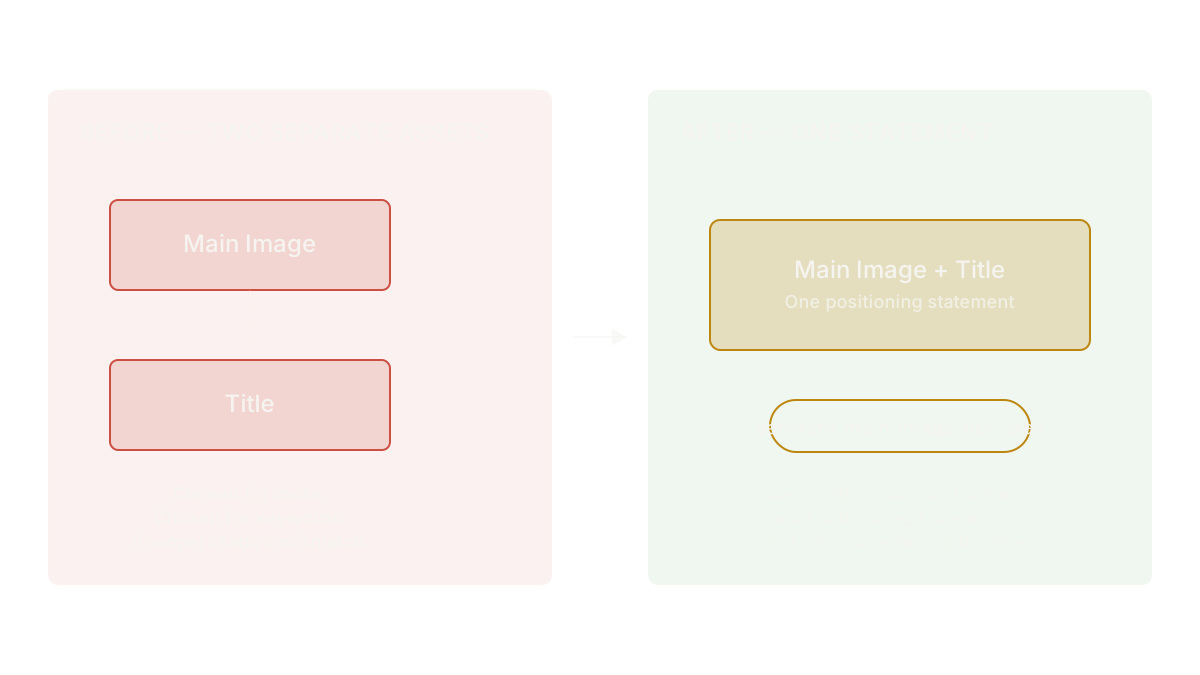
Here's where most CTR fixes half-work: a founder redesigns the main image, ships it, and leaves the title untouched, or rewrites the title and leaves the image as-is. Both moves treat the two assets as separate line items instead of one combined signal a shopper reads in under a second.
They're not separate. The main image and the first line of the title are read together, almost instantly, as a single impression of what this product is and why it's different. If the image says "premium" and the title reads like a generic keyword dump, the shopper reads a mismatch and moves on, even though each piece is individually fine. If the image shows a distinctive angle but the title buries the difference after forty characters of category keywords, the differentiation the image worked to establish never gets confirmed in text.
generate_main_image_title_plan treats these as one positioning statement on purpose: it plans the main image and the title's opening characters together, so the same difference gets said twice, once visually and once in words, instead of the image and title accidentally arguing with each other. This is the tool behind four of the five causes above; it's worth running once you know which cause is dominant rather than trying to fix image and title as two separate creative requests.
A composite founder makes this concrete. Say a ceramic-cookware brand owner we'll call Denise runs a working session with a redesigned main image already in hand: sharper lighting, a distinctive angle, exactly the kind of fix the "blends into competitors" cause calls for. Before shipping it, the coach runs identify_decision_trigger against her avatar and flags that the operative lever for her buyer isn't aesthetics at all, it's permission (the reassurance that this is a safe, non-toxic choice for daily cooking). The redesigned image says "beautiful." Her existing title says nothing about safety. What the coach said: "Your new image will get more looks. It won't get more of the right clicks until the title confirms the one thing she's actually worried about." generate_main_image_title_plan rebuilds the title's opening around that permission cue, so the image and the words are finally making the same argument.
Designing a CTR Test That Doesn't Decay After Two Weeks
A new main image that lifts CTR for two weeks and then flattens back to baseline isn't a failed test. It's an incomplete diagnosis. This is one of the most common and least understood patterns in main-image work: the image answered "what is this," which is enough to earn a first look, but it never answered "why should I trust this one," which is what keeps a CTR gain from decaying once the novelty of a new thumbnail wears off.
identify_decision_trigger names the specific psychological lever a shopper needs pulled: permission, recognition, identity, belonging, momentum, or fear of loss. A main image redesigned around pure visual differentiation, without checking which of these six actually drives this purchase, tends to produce exactly that decay pattern: a short-lived novelty bump, then a return to the old number, because the image never engaged the real reason someone chooses this listing over the one next to it.
Before shipping any main-image or title change, run design_test. State the hypothesis (which cause you're fixing, which trigger the new version engages), fix the test window up front, and name the one metric that proves or disproves it, term-by-term CTR from Search Query Performance, not a blended account number that mixes in unrelated traffic shifts. Resist extending the window once the early numbers look good; that's the same undisciplined pattern that turns a real test into a story you tell yourself after the fact. Why a CTR spike didn't last walks through exactly this failure mode with a specific founder and shows what a test built to hold the gain looks like instead of one built to produce a temporary bump.
What to measure after any main-image or title change
Track term-level CTR from Search Query Performance for at least four weeks after any change, not the account-level blended number, and not just the first two weeks when novelty alone can carry a lift. Watch specifically whether the gain holds past week three; that's the window where a trigger-driven fix separates from a purely cosmetic one. If CTR holds and CVR doesn't move with it, that's a different, adjacent diagnosis, not a failure of the image work; the image's job is to earn the click, not the sale.
If you're not sure yet which of the five causes above is dominant for your listing, the free diagnostic is a faster starting point than guessing: six questions, no account, and a read on where your Trust Gap actually sits before you commit to a main-image redesign.
FAQ
Why is my Amazon CTR low if my reviews and rating are good?
A strong star rating protects conversion once a shopper clicks through; it does almost nothing for the click decision itself, because star ratings aren't prominently visible at real thumbnail size in most search-grid positions. A low CTR with a good rating almost always traces back to the image or title, not the reviews underneath them.
Is 0.3% CTR bad for an Amazon listing?
It depends entirely on your category and search position; a "good" CTR can run anywhere from under 0.3% to well over 1% depending on category norms and competition density. The number that matters is your CTR relative to your own category's median for comparable search positions, not an absolute benchmark pulled from a different niche.
Will changing my main image hurt my organic ranking?
Not directly. Amazon's ranking algorithm weighs sales velocity and relevance far more than image content, so a main-image change doesn't carry an inherent ranking penalty. The real risk is an unplanned change that also drops CTR itself, since a sustained click-through decline can indirectly soften ranking over time.
How long should I run a main image CTR test before deciding?
Long enough to rule out novelty-only lift, which typically means at least three to four weeks of stable traffic, not the first excited week of data. design_test exists specifically to fix that window up front, before the early numbers can tempt you into calling it early.
Should I fix the title or the main image first?
Fix whichever one the diagnosis actually points to, since they're rarely both broken the same way. But plan them together even when only one needs to change; a redesigned image with an untouched title (or vice versa) risks the mismatch problem this guide describes even when each piece is individually sound.
Why is my Amazon CTR low, in the end, despite solid impressions? It isn't bad luck and it isn't a black-box algorithm problem. It's five knowable causes, one shared discipline (image and title as a single positioning statement), and a test built to hold past week two instead of decaying back to the number you started with.
Find the Trust Gap costing you sales
The free IDEA Brand Coach diagnostic reads your listing and your reviews, then shows you where your read of your brand and your customers' differ. 4 questions while it works. No account needed for your score; create a free one to keep the full read and your design brief.
Run the free diagnostic →